
Demo for interaction with a holographic display
24.03.2026
Description
Holographic displays allow to view 3D content without any mediating technology.
The goal of this topic is to develop a demo in which user(s) can interact with 3D content displayed on the holographic display in the new Mixed Reality Lab. Proposals for any interaction methods are welcome. Gesture interaction enabled by any hand-tracking technology (camera mounted on the display, LeapMotion etc.) is probably the most suitable method.
Unity will be used for development. The topic is available as a project; however, good ideas and succesful implementation could extend it to a master thesis in the future.
Update: Project results
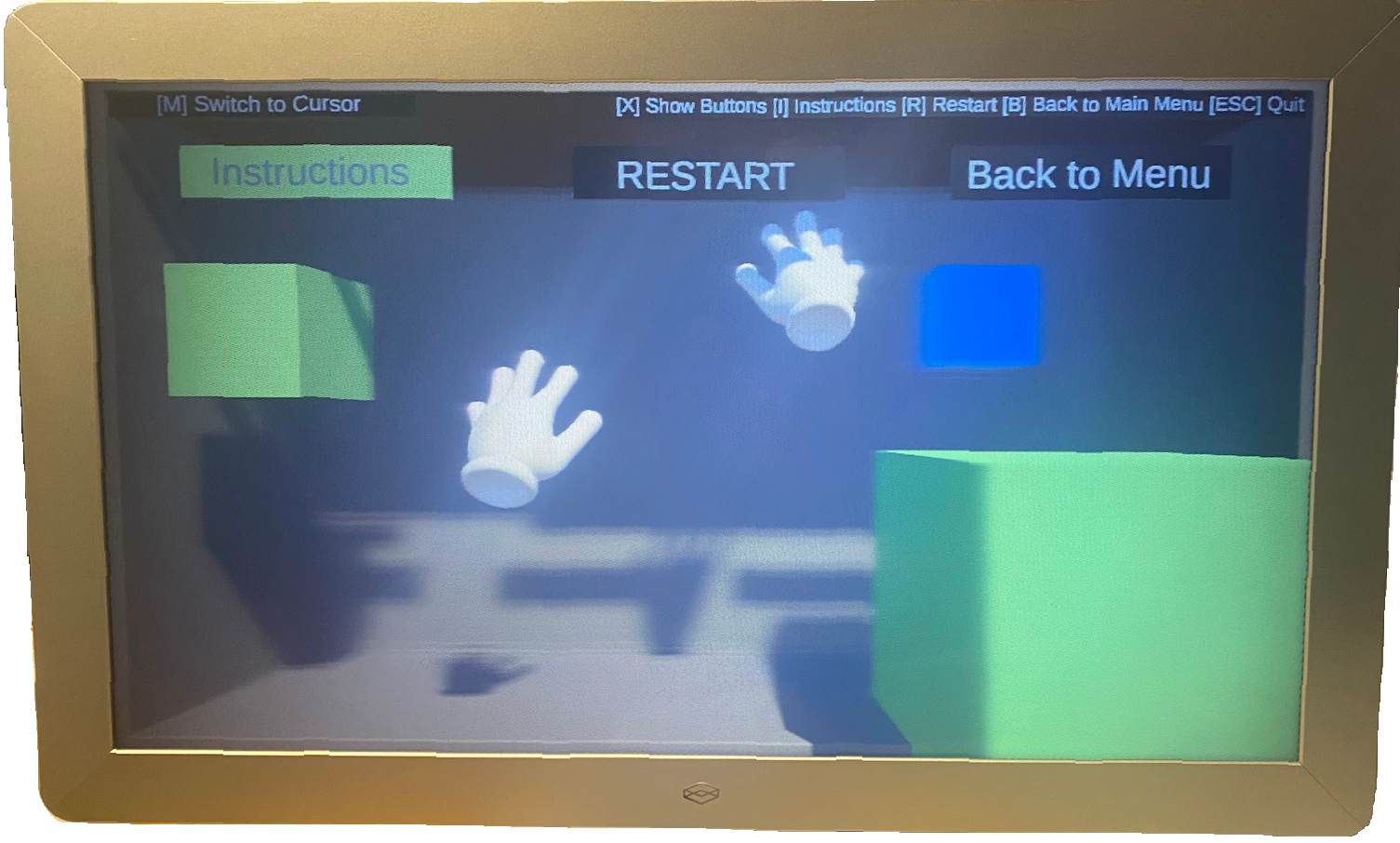
A project demonstrating interaction possibilities in different types of scenes has been developed. Interaction is enabled by body tracking with Azure Kinect; a user can grab, move and scale objects as well as move around in exporation scenes.
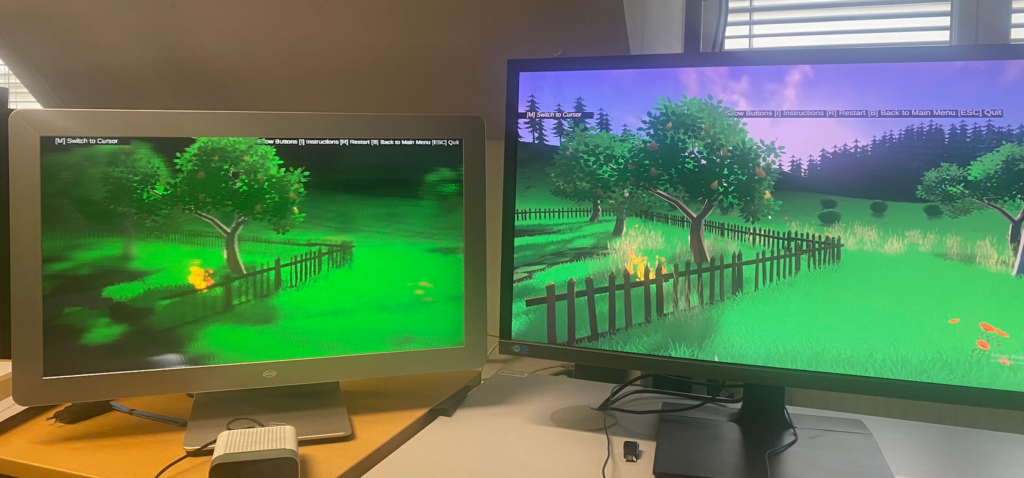
The challenge of creating interactive content for holographic display is that only a narrow area of depth in the 3D virtual world can be rendered in focus; the demo scenes and interactions had to be developed with this constraint in mind.
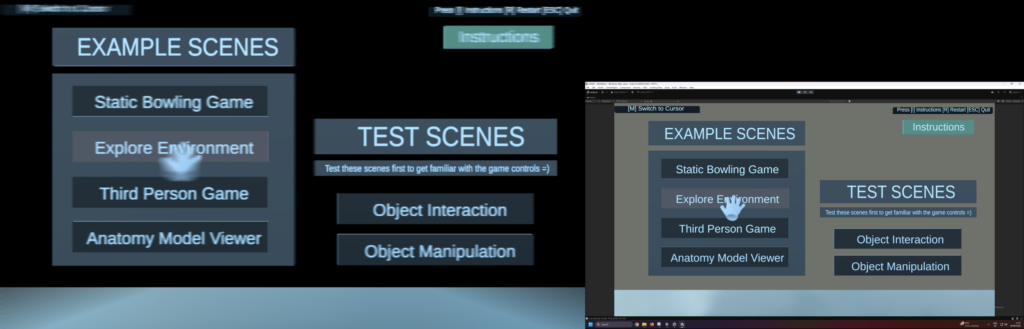
At the start of the application, the user is presented with an interactive menu allowing to select various scenes. They can manipulate objects in two room-scale scenes, play a bowling game or explore two large environments.
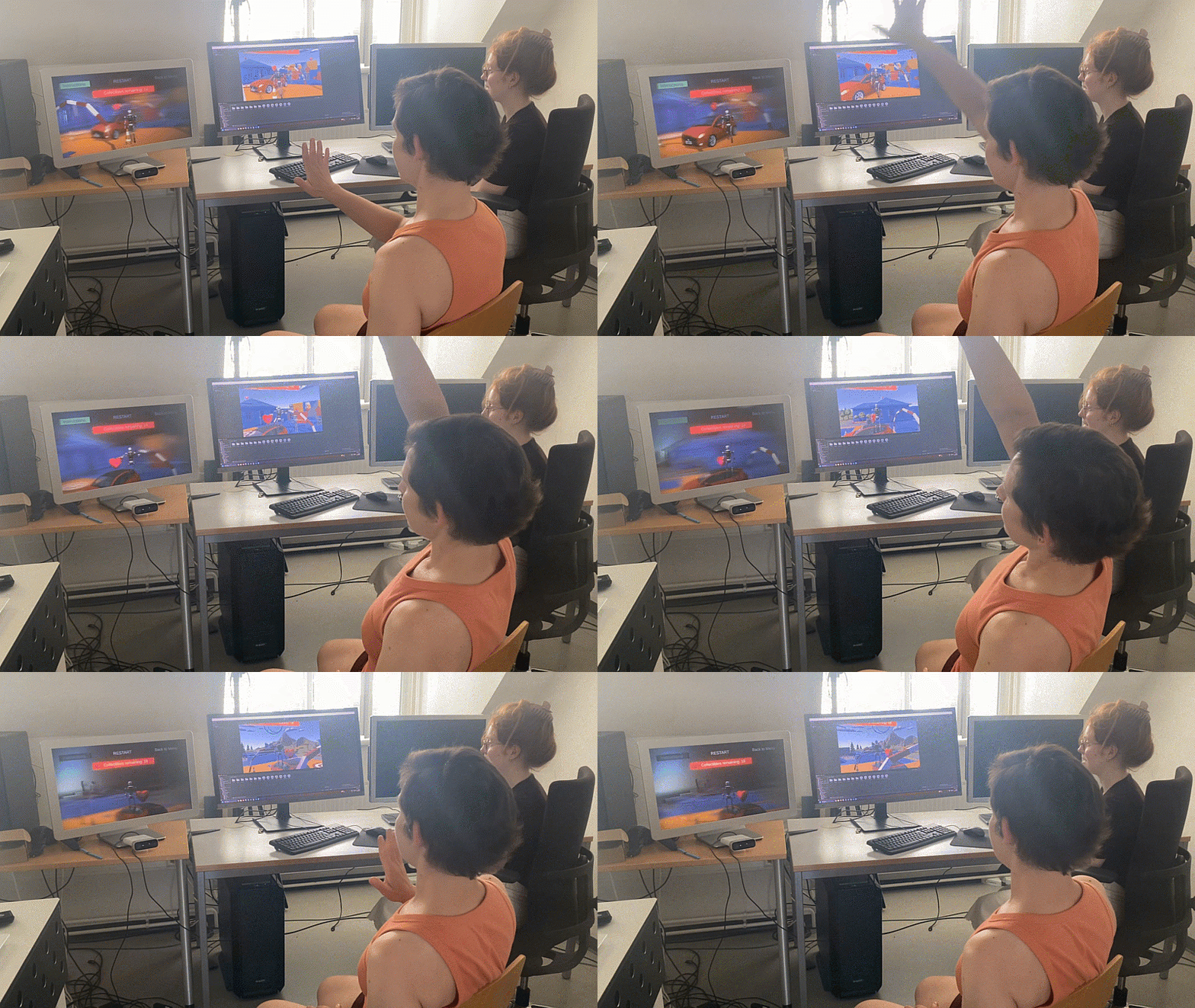
The project was developed by Christine Laux.
Tasks
- Literature review of interaction techniques and best practices for holographic displays
- Development of a demo concept
- Implementation of the demo
Requirements
- Knowledge of Unity
- General knowledge of 3D interaction methods is advantageous
Contact
Iana Podkosova yana.podkosova@tuwien.ac.at